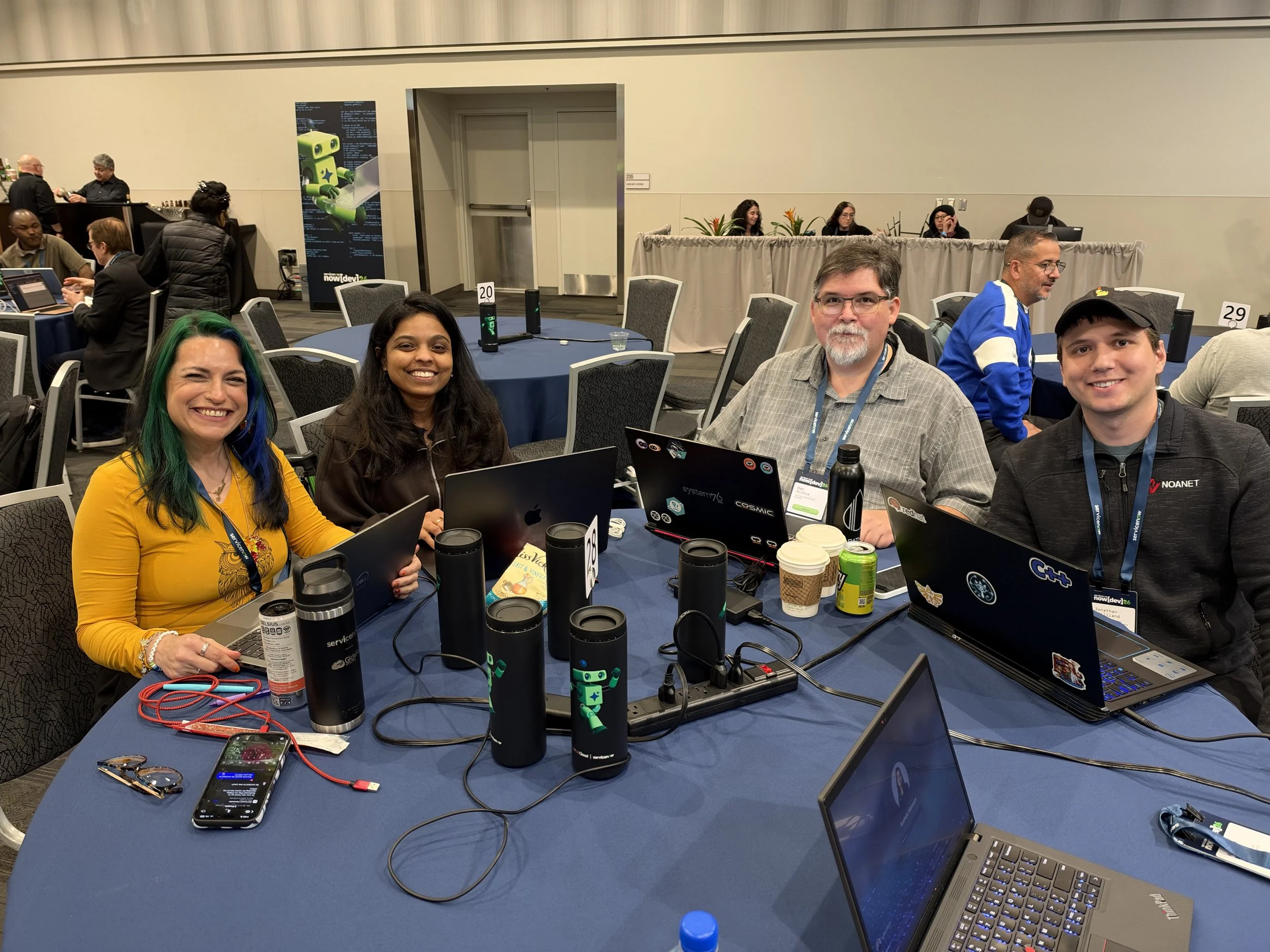
On November 4th, in San Jose, my team joined the hackathon at now[dev] 26 with one question: what if a change request could tell you how risky it really is before anyone approves it? The answer was ChangeGuard, built by Team28. This is the story of what we made and why we made it the way we did.

The problem: risk you can't see on the form
Traditional change management leans on static risk classifications, manual reviews, and the experience of whoever happens to be looking at the request. But the real risk of a change often depends on things that aren't on the change request at all:
Infrastructure dependencies
Overlapping maintenance windows
Historical incidents
Current operational conditions
As environments get more interconnected, it gets harder to know what a change might touch. The problem isn't a lack of data. ServiceNow already holds the CMDB, the maintenance schedules, and the incident history. The hard part is connecting all of it into something a person can act on.
What ChangeGuard does
ChangeGuard pulls that existing information together and produces a structured risk assessment for each change. From the Change Request form, a user clicks Run ChangeGuard Assessment and gets:
A risk score and level, with configurable thresholds
The top 3 findings, ranked by severity
The top 3 guidance items, recommended actions to reduce risk
A detailed report with the full analysis, affected CIs, scoring factors, and known limitations
While the assessment runs, a modal shows progress as each stage completes. Results are saved on an assessment record, and if the option is turned on, a summary is also written to the change's work notes.
A deliberate choice: no AI in the score
This was the design decision we cared about most. The scoring in ChangeGuard is rule-based, repeatable, and explainable. Risk scores are not generated by AI. Give it the same inputs and you get the same score, and you can see exactly why.
When the question is "should we approve this change," people need to be able to trust the answer and explain it to someone else. A score you can trace beats a score you have to take on faith.
Under the hood
Here is how an assessment moves from click to result:
Trigger: a user starts an assessment from the Change form (or through the REST API).
Initialize: a before-insert Business Rule validates the change, records who requested it, resolves the assessment window, and decides whether results should be written back to the ticket.
Run: an async after-insert Business Rule runs the risk engine, which evaluates maintenance overlap, prior incidents, and risk scores, and updates progress as it goes.
Poll: the modal checks status until the assessment is completed or partial.
Persist: the assessment record stores the score, level, summary, top three findings, top three guidance items, the full results as JSON, and the engine version.
Write-back: an async after-update Business Rule optionally posts a summary to the change's work notes.
We kept the pieces separated by job:
ChangeGuardRiskEngine owns the risk signals, scoring, levels, findings, and guidance. It does not write records.
ChangeGuardImpactEngine walks the CMDB relationships to find the impacted CIs. It does not score risk.
Weight Registry and Provider supply the configurable scoring weights, so scoring can be tuned without rewriting logic.
ChangeGuardAssessmentService manages the assessment records, state, and persistence.
ChangeGuardAjax exposes init, status, and check to the UI.
The data lives in two tables: one for risk assessments and one for incident reviews.
The feedback loop
My favorite part of the design is what happens after a change goes live. When a new incident shares an affected CI with a recent change and falls inside the monitoring window, ChangeGuard creates an Incident Review record. Duplicates are prevented, review activity is tracked, and the person who requested the change is notified.
That incident history then becomes part of future risk assessments. The tool learns from real outcomes instead of staying frozen at whatever rules we wrote on day one.
Open to other tools
ChangeGuard also has a small REST API for external tools and agents, with read access to ChangeGuard data. It can return the affected CI names for a change, the changes associated with a CI, and the risk assessment records for a change number. Access requires authentication, ACLs, and the snc_internal role.
Why it matters
Consistency: identical inputs produce the same explainable score.
Context awareness: it considers dependencies, schedules, and incident history together.
Actionable guidance: it names the risks and recommends specific precautions.
Continuous improvement: post-deployment incidents inform future assessments.
Integration: REST endpoints let other tools and agents use the data.
Extensibility: weights, thresholds, and components are configurable and modular.
What I took away
A hackathon rewards focus. We didn't try to invent new data. We took what a ServiceNow instance already knows, connected it, and made the result explainable. If your change process still depends on one experienced person's gut feeling, there is probably a lot of useful signal already sitting in your instance, waiting to be connected.
I'd love to hear how your team handles change risk today. Share it in the comments.