

I came home from San Jose with a notebook full of ideas, a few new tools to try, and a story about a very old tree. This is my recap of now[dev] 26, outside of the hackathon (that one gets its own post). I'll cover the two hands-on labs, the expert session that changed how I think about ServiceNow UI development, the MVP round table, and the people I met along the way.
Inside a Running Flow: the bugs that don't throw errors
The fisrt lab, Inside a Running Flow: What Really Happens to Your Data, was about the sneakiest kind of flow problem: the one where nothing errors out, but the data is quietly wrong.
Stale data pills. In the first exercises we built a flow triggered when an incident is created. It logged the short description, called a subflow that changed it, and then logged it again through a custom action and another subflow. Whether a step waits for completion (blocking) or keeps going (non-blocking) changes what your data pills hold.
The lesson that surprised me most: waiting isn't always the fix. Adding a pause fixed the subflow's log, because subflows get a fresh copy of the record from the database. But actions reuse the in-memory copy, so they were still logging the old value. A Look Up Record step fixed both, because it pulls a fresh copy that you then point later steps at.
Debug Mode. In the third exercise we used Workflow Studio's Debug Mode on a broken flow where no emails were going out and some went to the wrong people. Instead of running the flow and digging through logs, we set breakpoints, stepped through, and trusted the runtime values. That turned up three real problems: an empty To field when no one was assigned, a condition checking Priority when it should have checked Urgency, and a whole user record being used where an email address belonged.
AI helpers. The lab closed with two AI features whose names are easy to confuse. Flow Execution Analysis reads a failed execution and tells you what happened, what likely went wrong, and what to try. The Troubleshooting Agent goes looking for the root cause and suggests next steps, though for now it covers triggers and approvals only. Both need newer releases than many of us run today, so check your version first.
Next on my list is Input Modification, a new feature that lets you edit a step's inputs while paused at a breakpoint, so you can force both branches of an If condition in a single run.
Ask the Experts: where UI development is headed
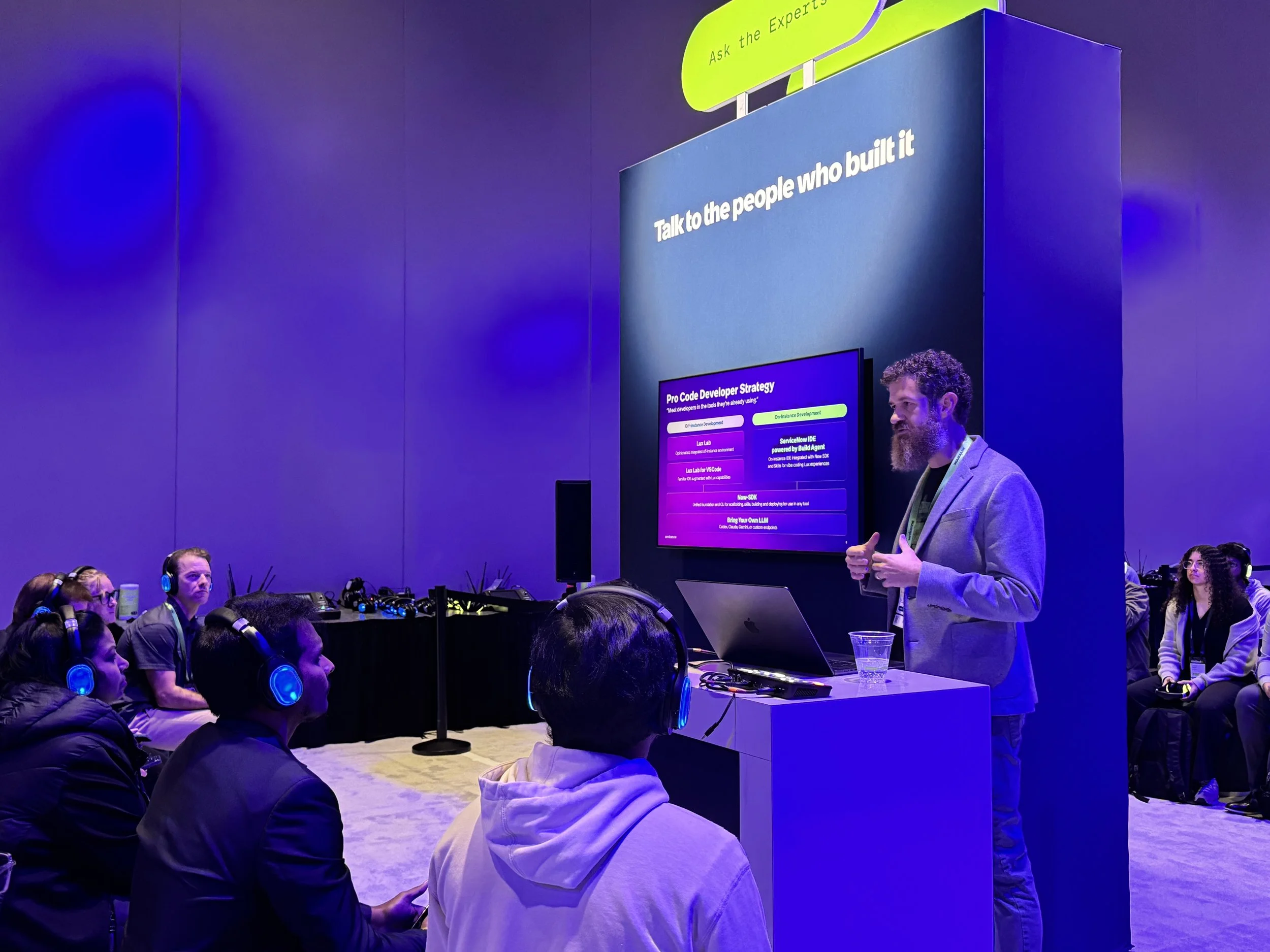
In the Ask the Experts: Building with Lux session, Brad Tilton with the help from Maria Gabriela Ochoa Perez Waechter explained what Lux Lab is and where it fits in the future of the platform. The takeaway I heard was big: Lux Lab will replace how we design workspaces today, and UI Builder and Workspaces will be deprecated.
Lux Lab isn't a future promise. It has already been released, but it isn't available for PDIs yet, so you can't try it on a personal developer instance today. I didn't hear a timeline for when UI Builder and Workspaces will be deprecated, so I'd treat that part as the direction the platform is heading, not a date on a calendar. If you spend your days configuring workspaces, as I do, it's a good reason to start getting comfortable with a code-first, AI-assisted way of building. I'll be watching for official announcements, and I'd encourage you to do the same.
Lux Lab Live: building experiences from code
The second lab, Lux Lab Live, was about local, code-first development for ServiceNow. You can work in two ways: with Lux Lab for VS Code, an extension that lets you work in your own editor, or with Lux Lab, ServiceNow's own built IDE. Pages and widgets are written with Lit JS, and Claude Code helps you build them.
The lab used a made-up company, Northwind Industries, whose service desk couldn't tell what needed attention in the incident queue. Over about an hour we followed a loop that I'd now call the heart of the whole approach:
Connect the editor to the instance
Scaffold a project
Edit and preview against live incident data
Build and deploy
Verify
Commit
The most interesting part was letting an AI agent build a page and then reviewing its code the way you'd review a teammate's pull request. The agent is fast, but you are still the one responsible for what ships. Check the queries, check the assumptions, and check what it did with permissions.
The lab also offered project ideas. The one that caught my eye was a Ticket Ping-Pong Detector, a page called Bounce Tracker for finding incidents that get reassigned three or more times and showing which assignment groups pass tickets along the most. Anyone who has watched a ticket travel through five teams in two days will understand why. You describe the page you want in plain language, choose how to shape it (a worst-first list, a group comparison, or a single-category view), and then decide what the chart should show. The skill that matters is knowing what to ask for and how to judge what comes back.
The MVP round table
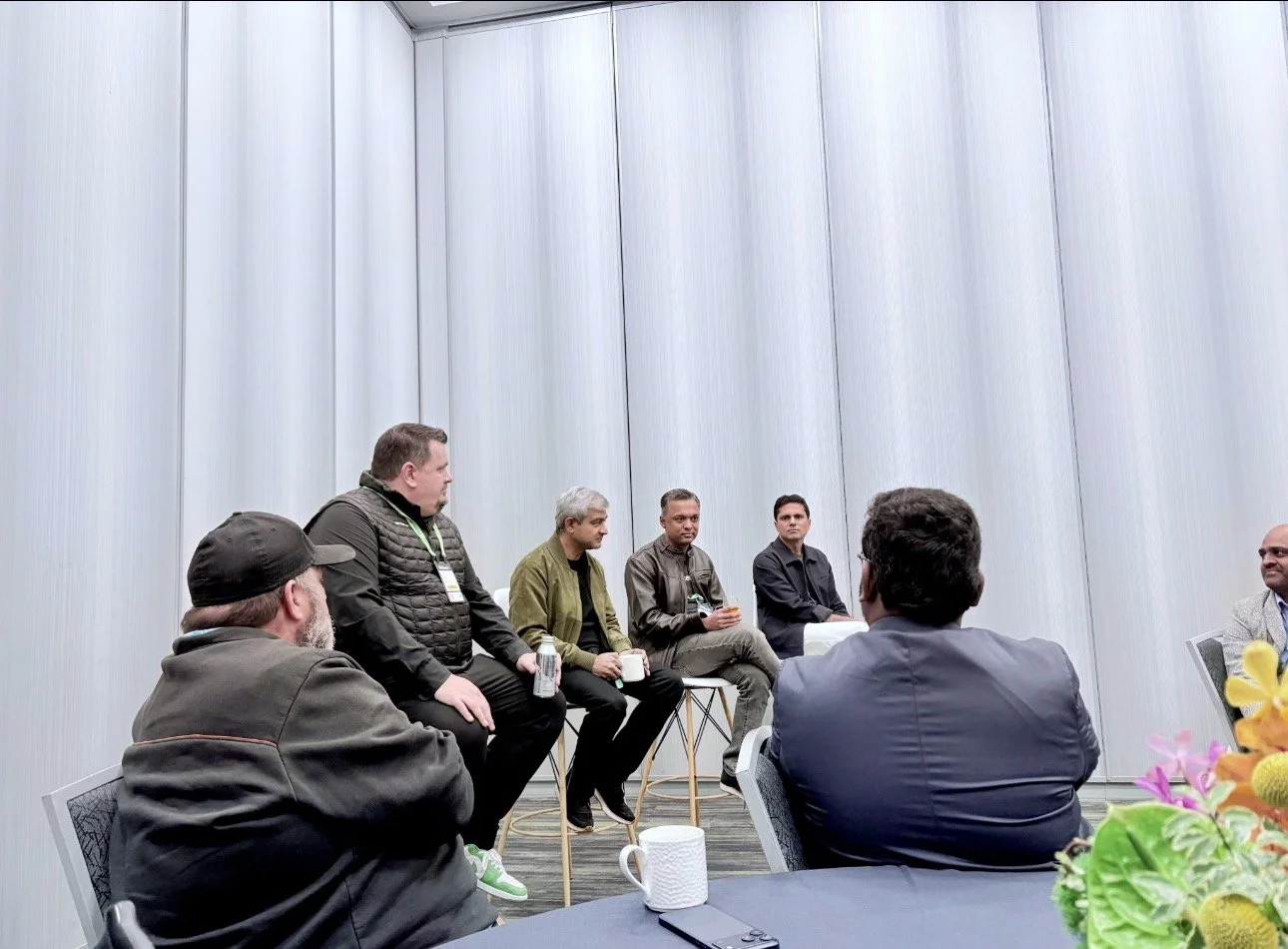
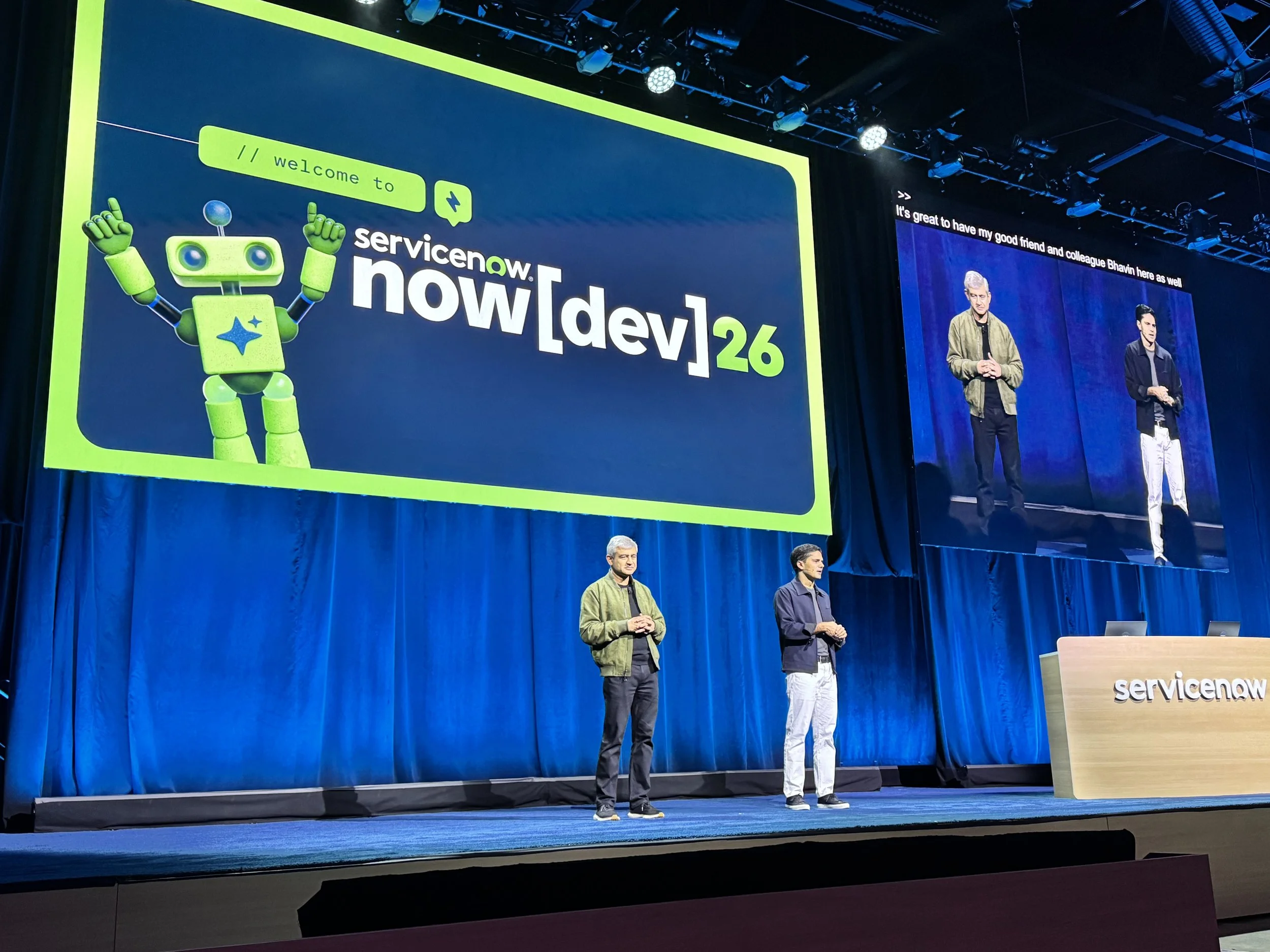
One of the highlights was the MVP round table with Amit Zavery, ServiceNow's President, Chief Product Officer and COO; Bhavin Shah, who leads Moveworks and AI; and Kush Panchbhai, Senior Vice President of AI Platform Core. It was a candid conversation. MVPs shared real feedback and concerns from the field, and it was great to see leadership genuinely listening to the community.
That matters to me as someone who writes for a community. Product teams can only make good decisions if they hear from the people using the product every day, and showing up to say the honest thing is part of how we make the platform better for everyone.
The people, the keynote, and the expo hall
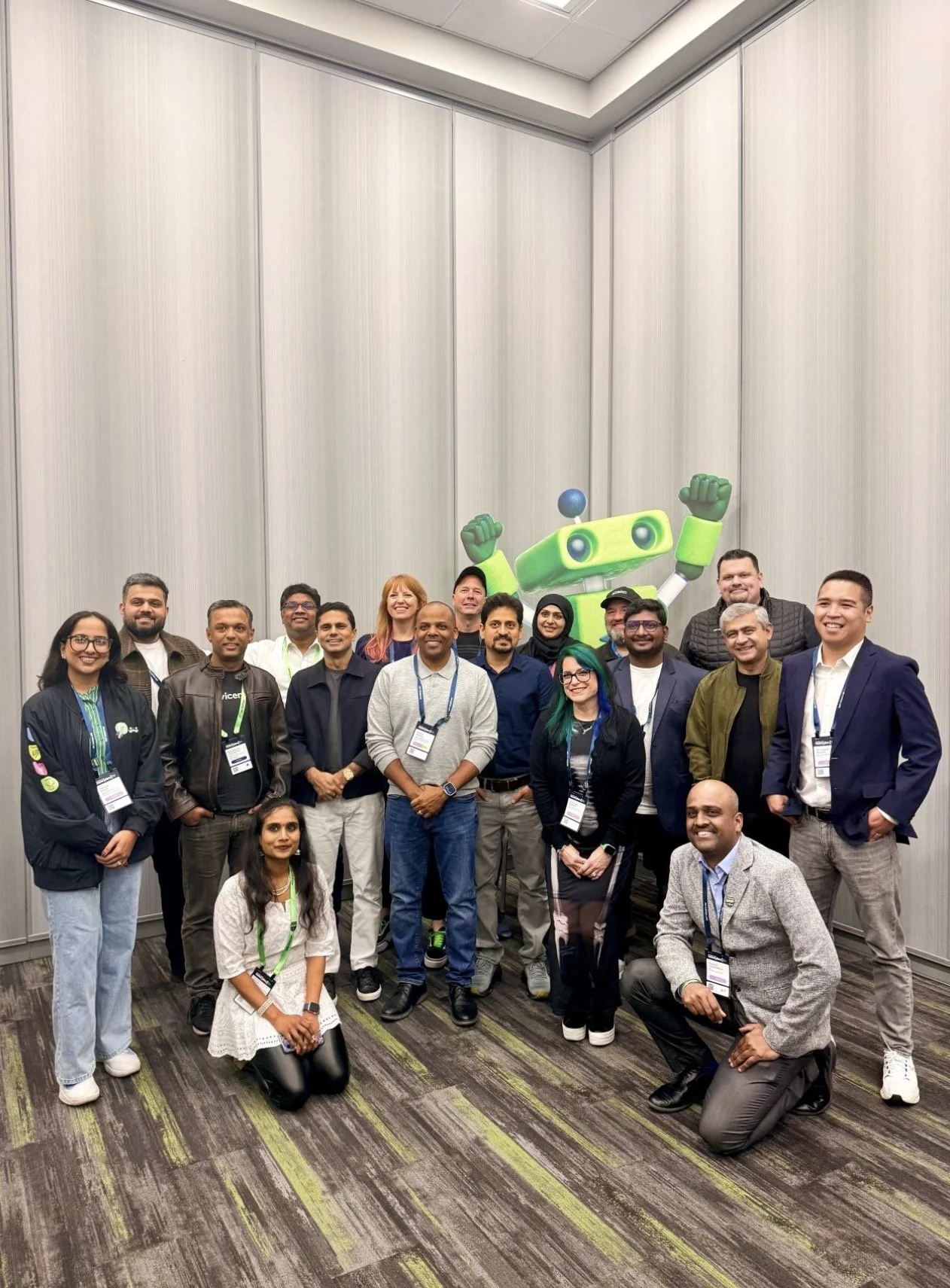
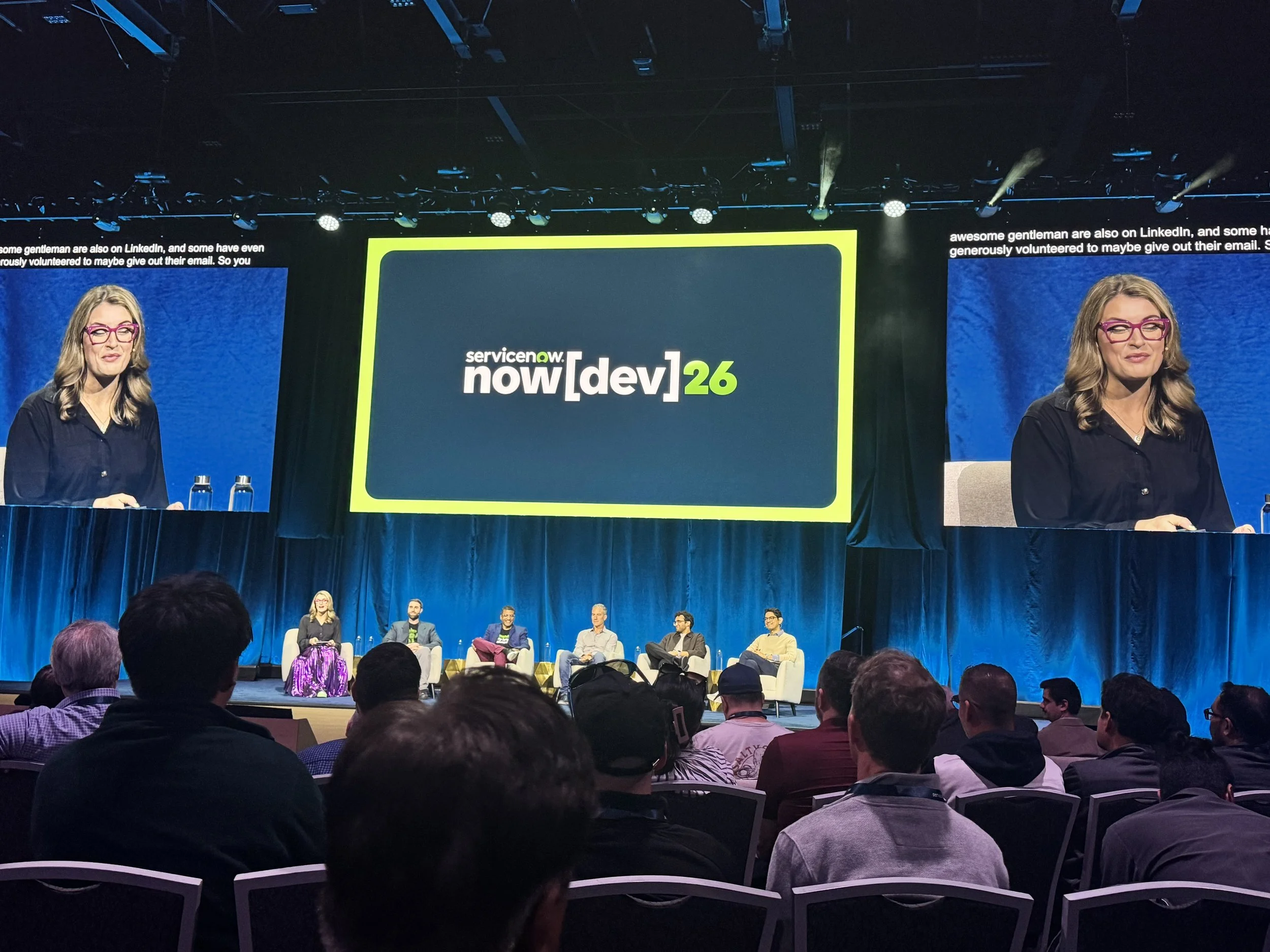
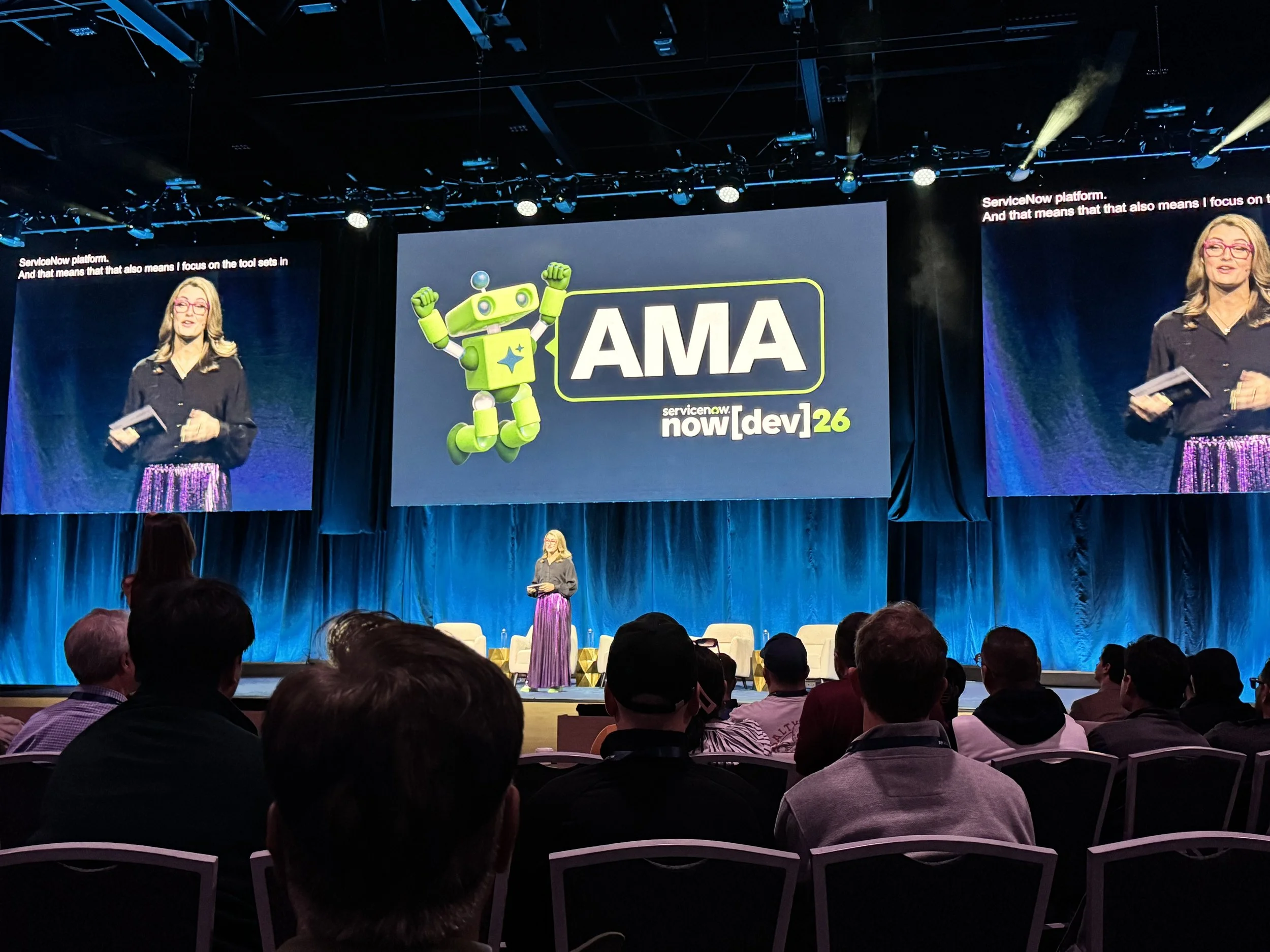
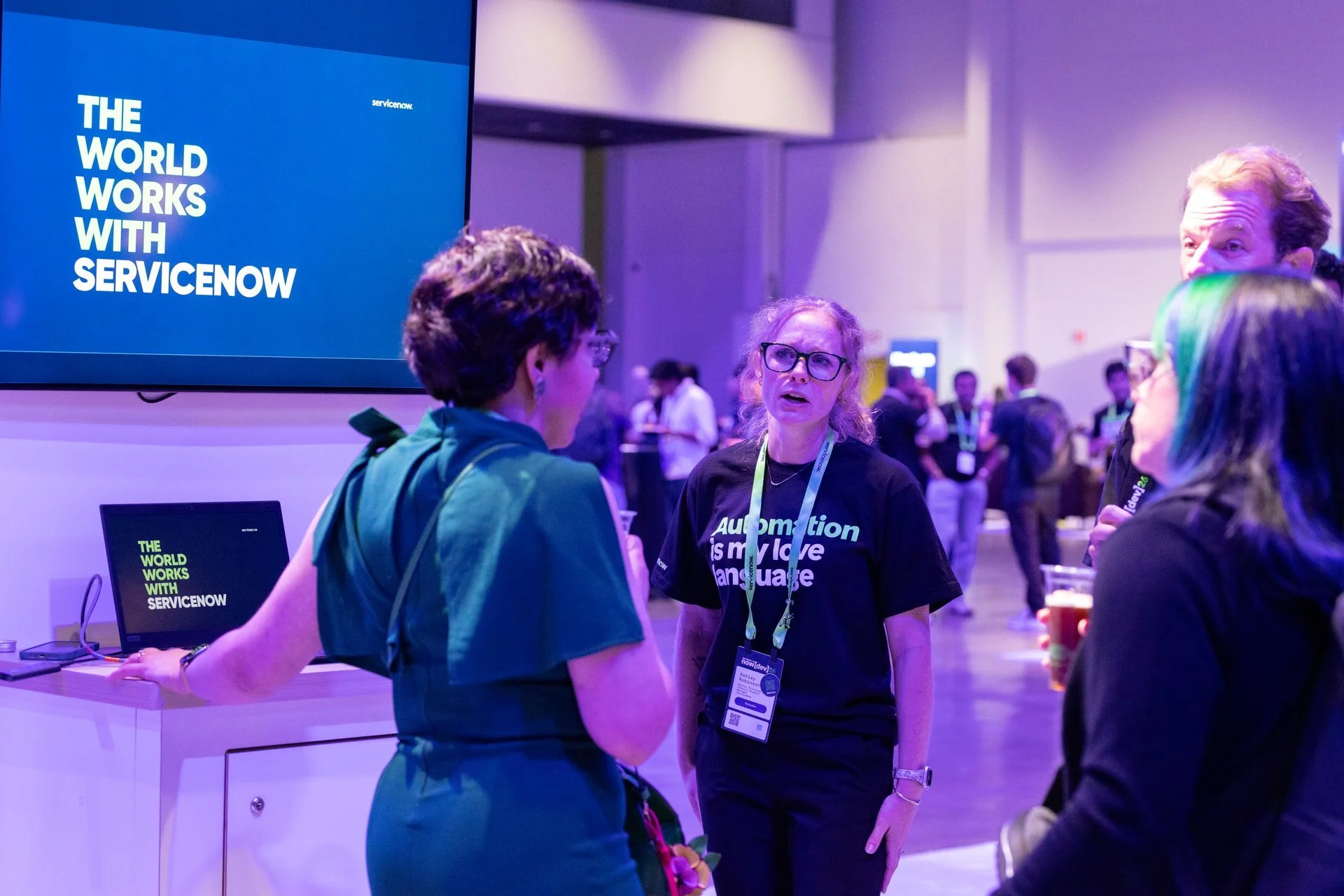
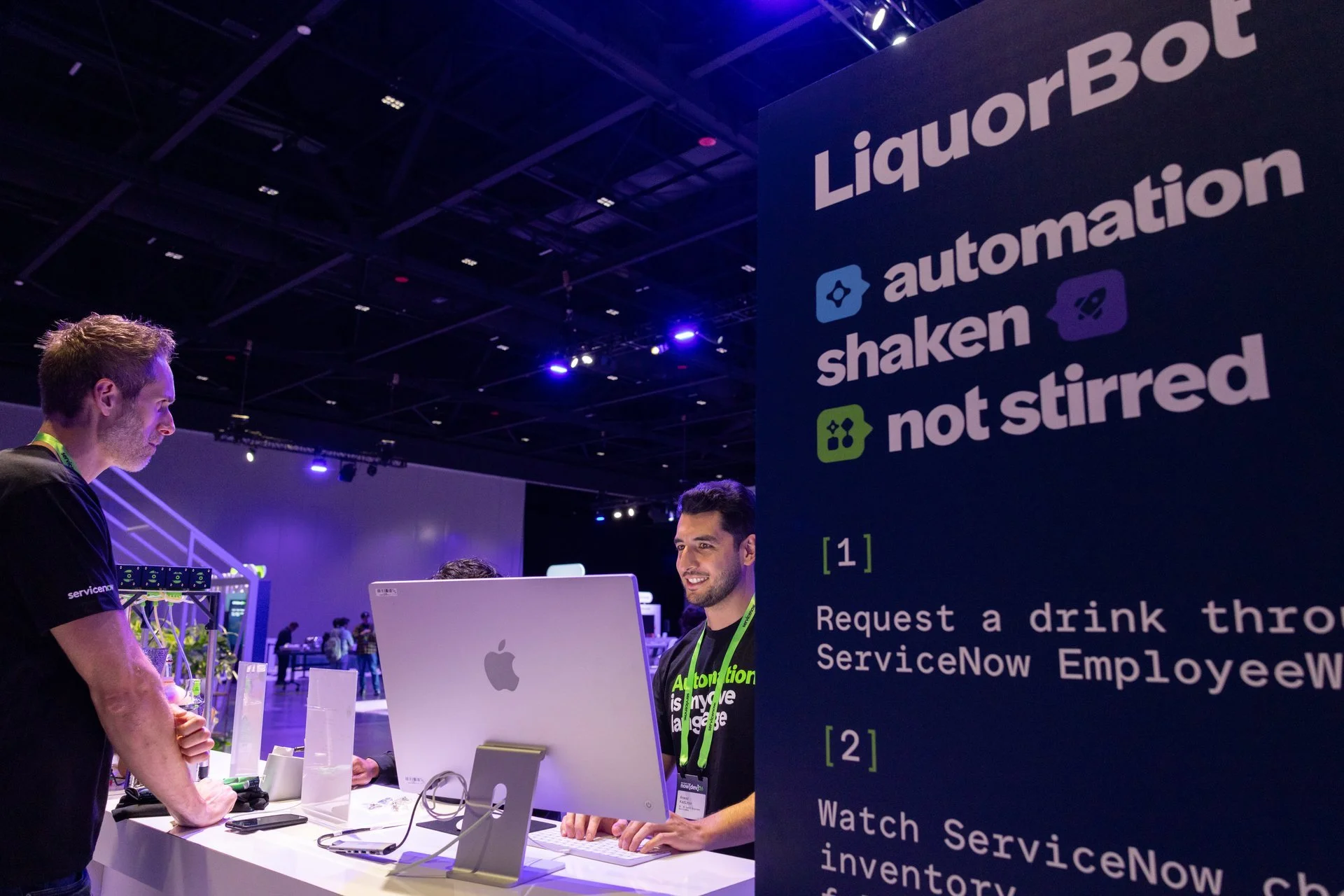
The rest of the days were packed. I attended the keynote, met other MVPs, and had great chats with the ServiceNow Developer Advocates. I also spent time in the expo hall, where product managers and product owners were on hand to talk through what they're building. Those hallway conversations are often where I learn the most.
A very old tree
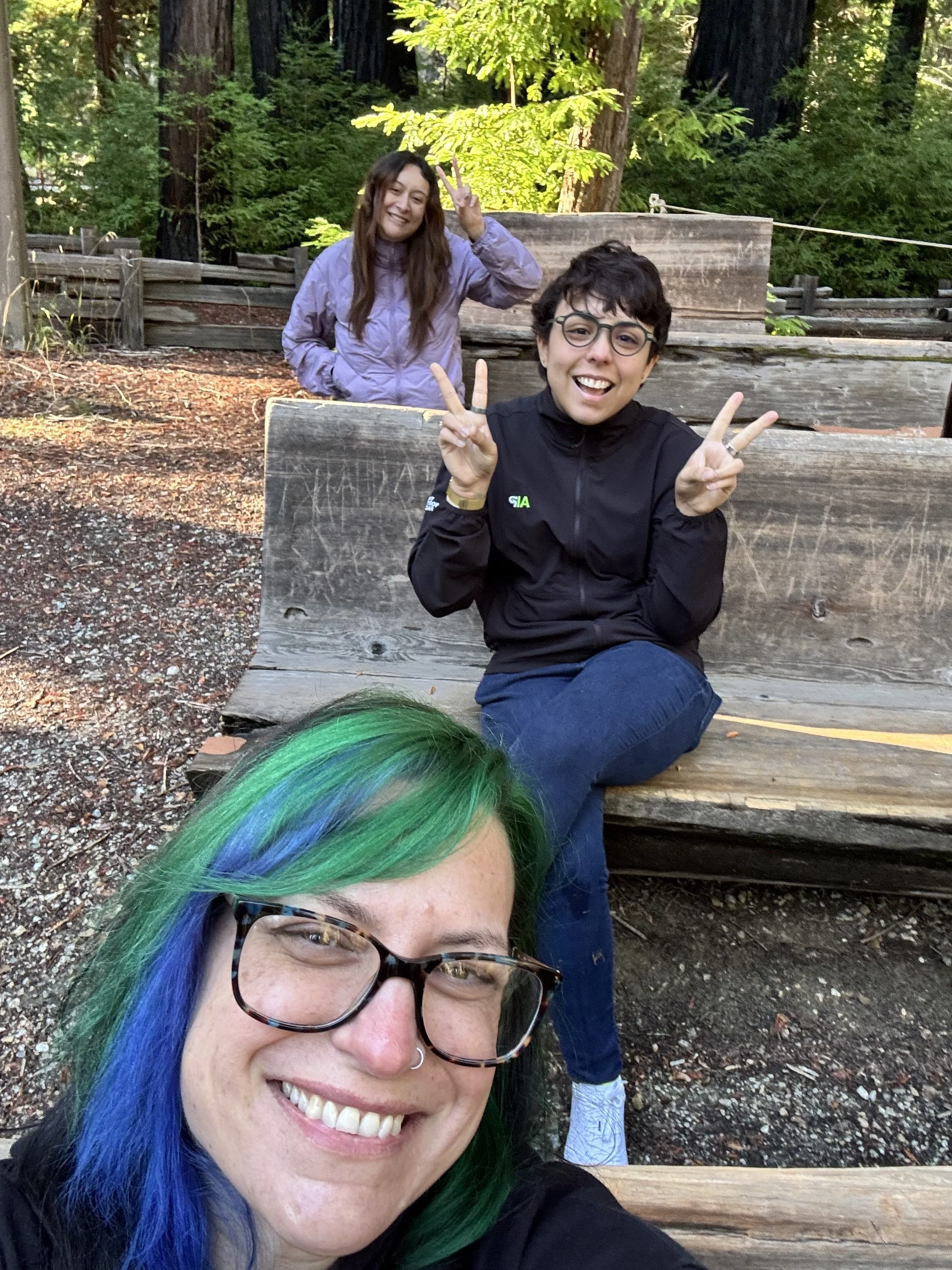
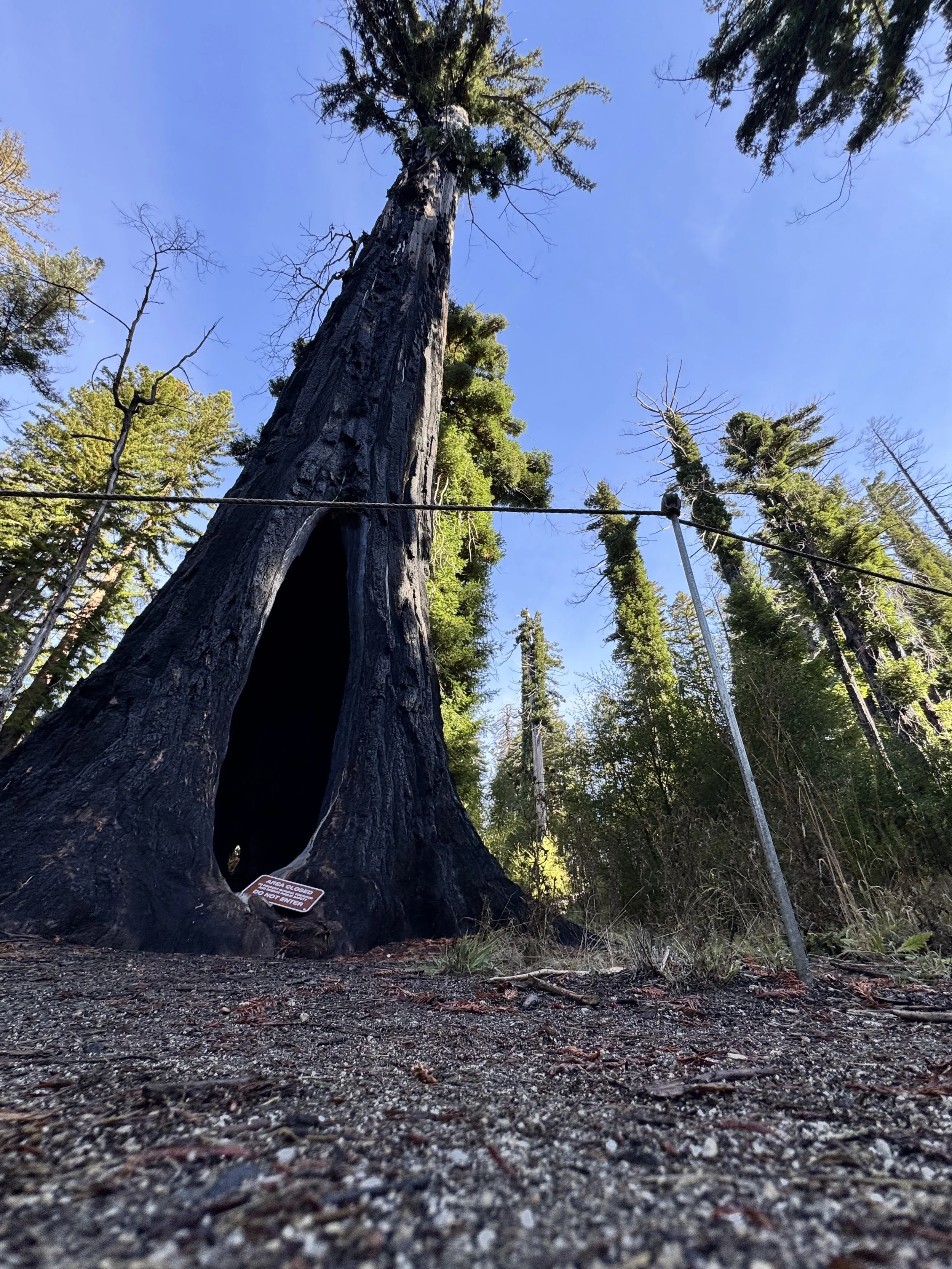
On Friday morning, November 6th, my colleagues MGOPW, a Senior Outbound Product Manager for the ServiceNow platform, and Jesalyn, a Senior Solution Developer for Servos, and I went to Big Basin Redwoods park. We hugged and kissed a redwood that is at least 1,000 years old. It's an oddly good way to put a conference in perspective. The platform will change, the names of the products will change, and UI Builder may give way to something new. A tree that has been standing for a thousand years takes the long view, and it was a good reminder that the best part of a trip like this is the people.





Rounding out the trip with family
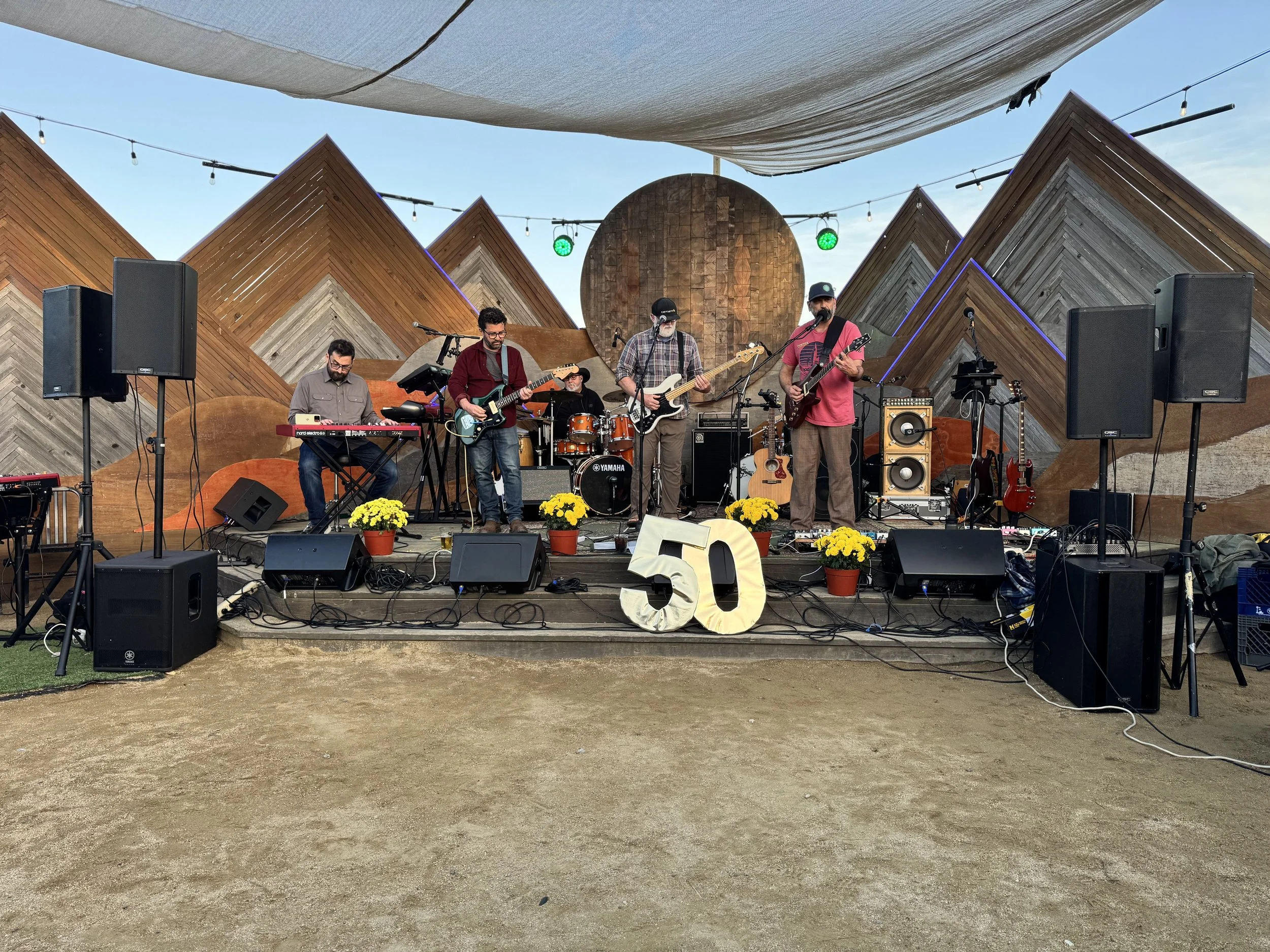
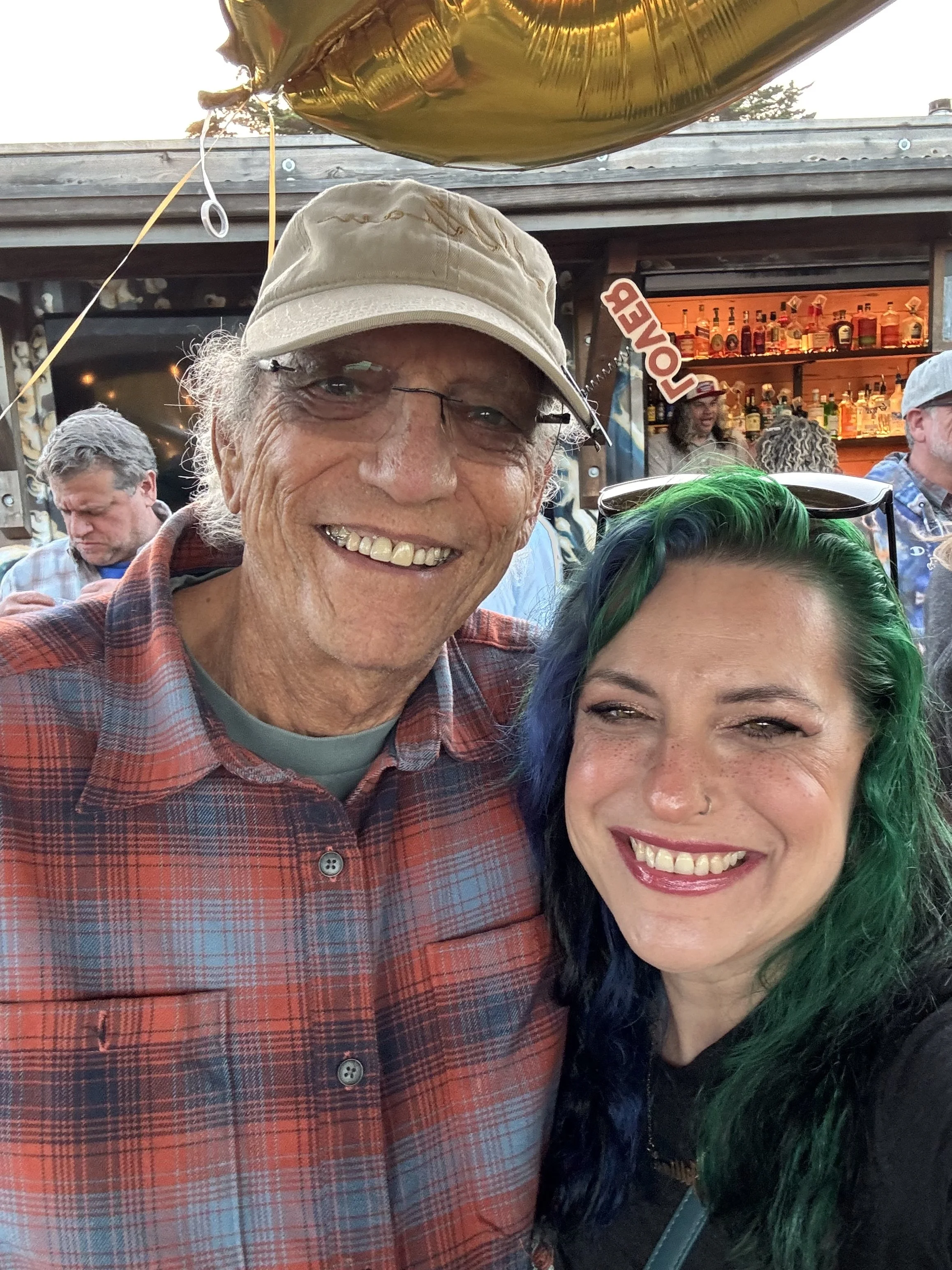
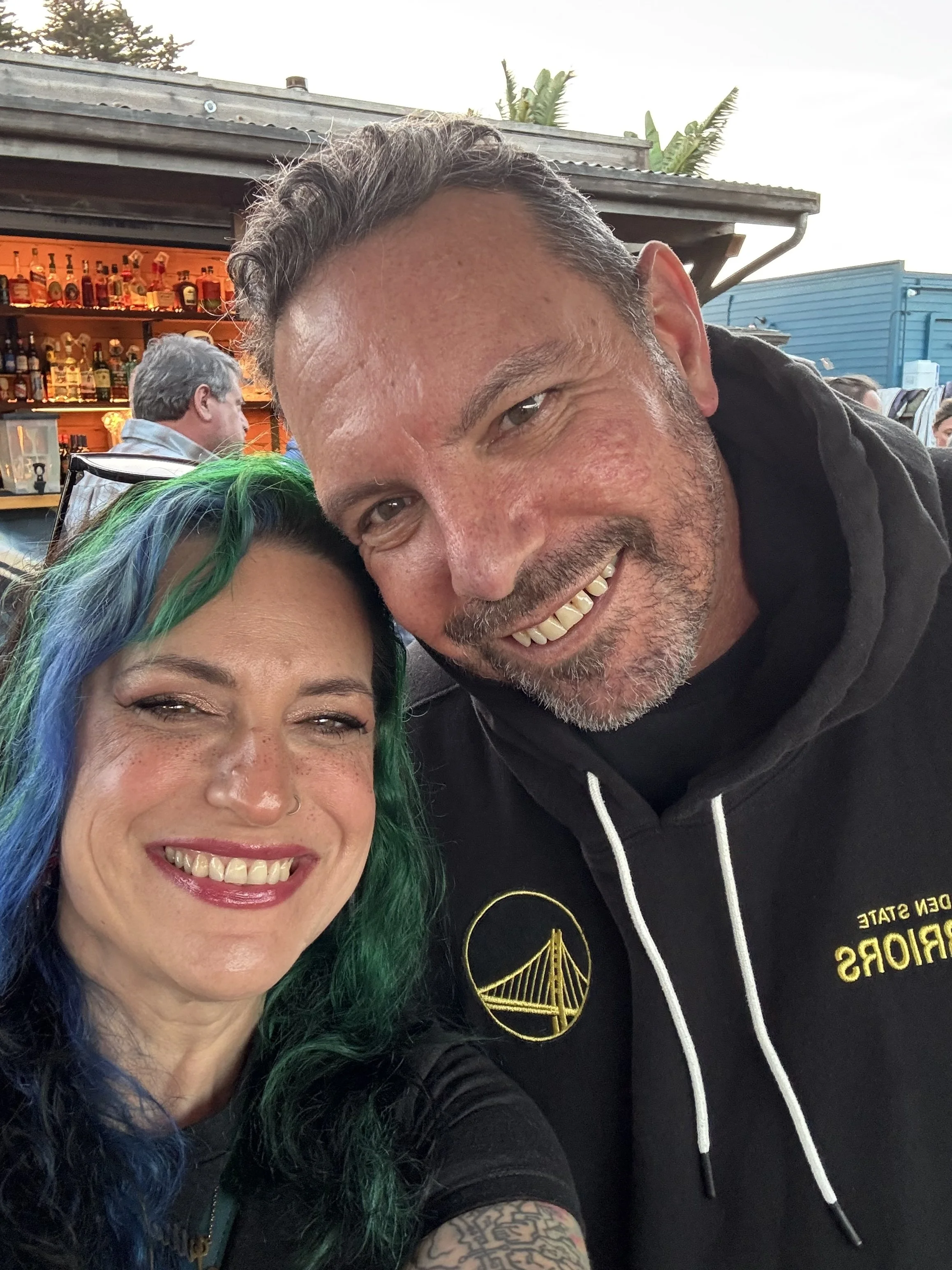
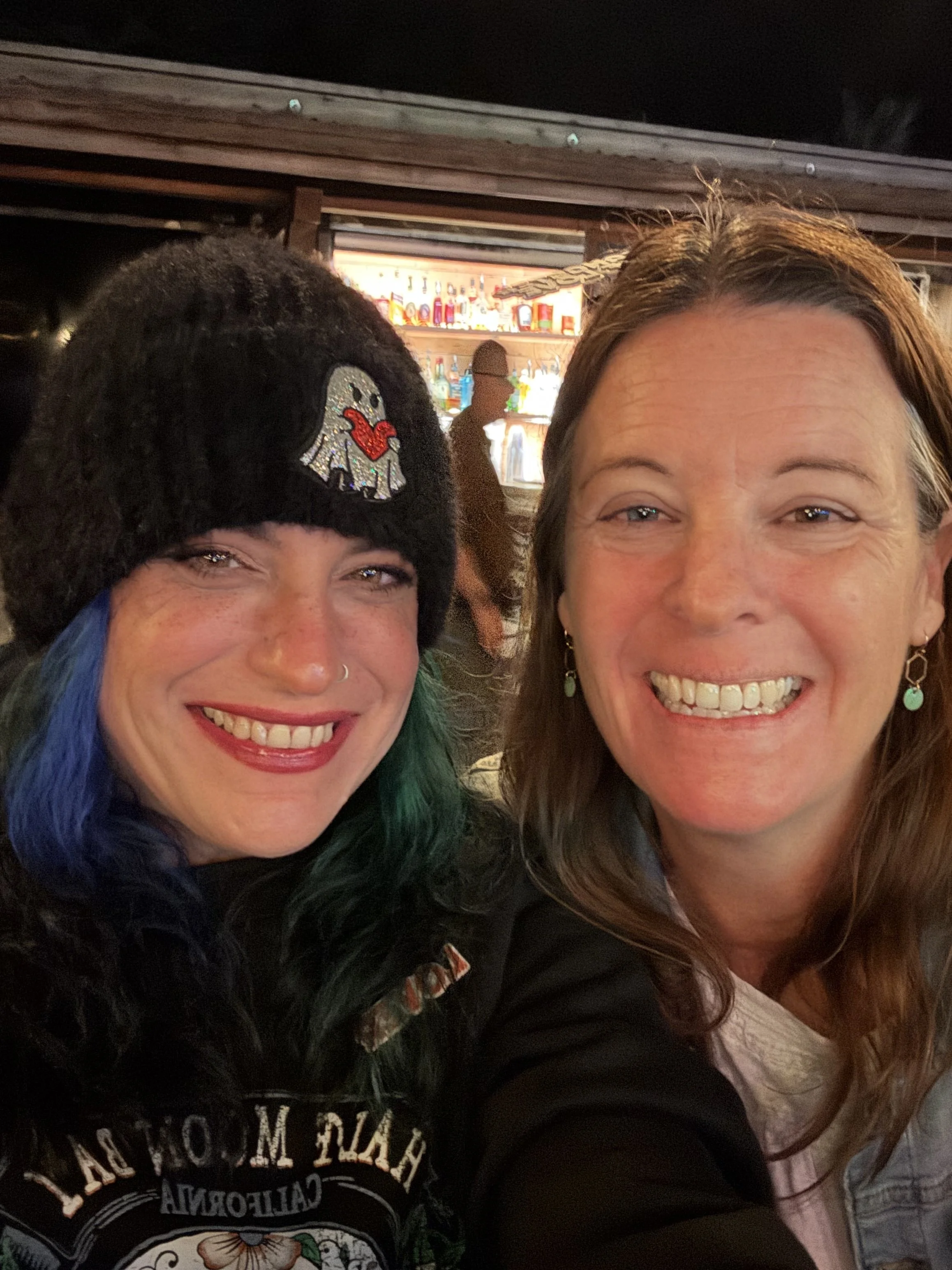
I extended my stay through Sunday, November 8th to celebrate my uncle's 50th birthday. We had a fun party in Half Moon Bay, and I got to spend quality time with my family before heading home. After a week of labs, keynotes, and conversations about where the platform is going, it was the perfect way to close out my time in California.




What I'm taking home
Lux is the direction. Start learning it now, along with Lit JS and AI-assisted development.
Review what the AI writes. Treat generated code like a teammate's pull request.
Stale data hides in flows. Know what's blocking, what's cached, and when to look up a record again.
Use runtime values. Debug Mode beats guessing.
Show up for the community. Leadership is listening, so give your feedback.
Were you at now[dev] 26, or following along from home? Tell us what you're most excited to try in the comments.
